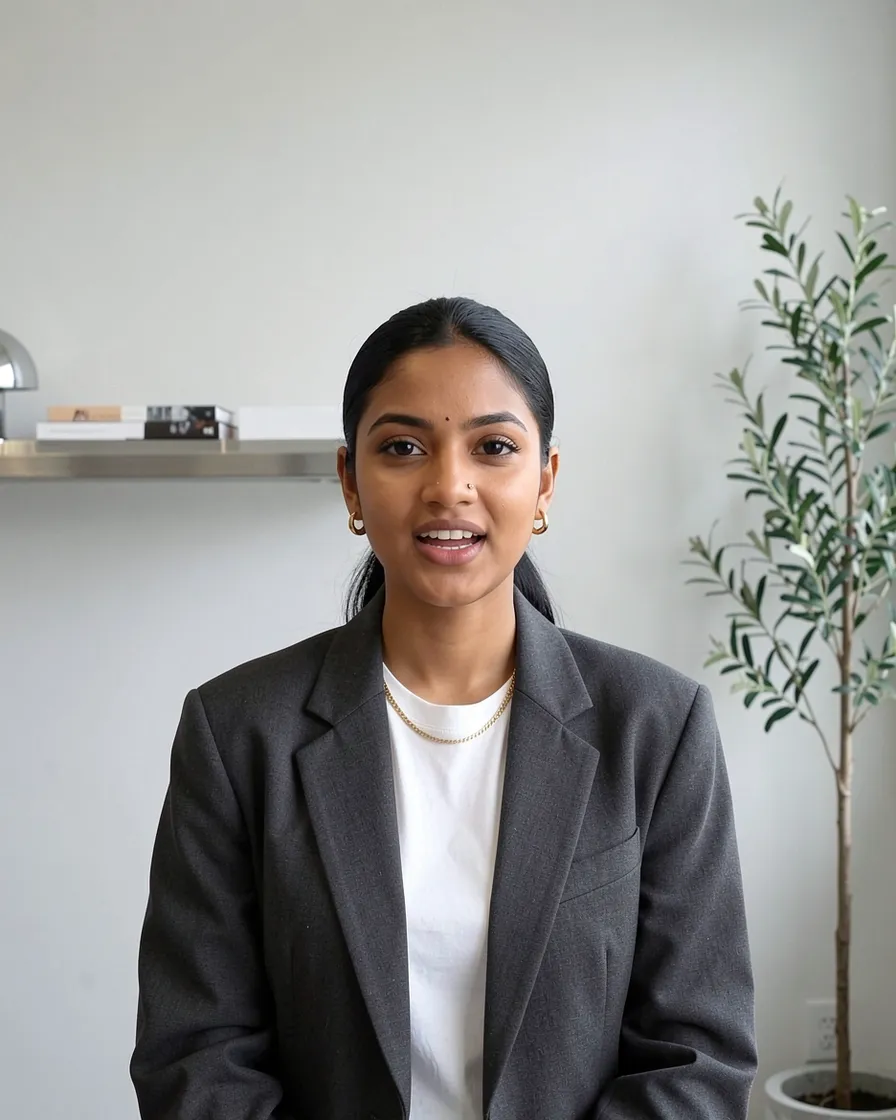

Your personal brand on video, without filming yourself
Dailies is a Chrome extension that records your video calls and cuts captioned vertical shorts from them, ready to post. Everyone tells you that your personal brand depends on video, and you have already deleted fourteen takes of the same script. The problem is not you: there is nothing natural about talking alone to a camera. Talking to someone is something you do very well, every day, on calls.
Page up to date as of October 7, 2026
14.8 h
What should you post to build a personal brand?
A profile is judged on what people find there. Dailies reads each recorded call and keeps up to eight passages of 12 to 90 seconds that stand on their own. Yours hold the four things a personal brand posts.
A piece of advice
The answer you give when a client asks you where to start. Short, concrete, and already worded for someone who does not know your trade.
A conviction
The moment you contradict a received idea in your field, and say why. That is what sets you apart from those who post the same generalities.
A real case
You tell one client what happened at another’s to shed light on their own situation, naming nobody. A lived example convinces more than a principle.
A mistake to avoid
The one you warn every new client about. You know it by heart, and the people about to make it will come looking for you.
Why start from your calls rather than film yourself?
You are more credible in a real situation
A recited script shows. On a call you answer a real question, you look for your words, you give an example: that is the person people want to follow, then to contact.
Posting regularly no longer depends on your mood
Posting takes consistency, and the motivation to film yourself does not last. Your calls, though, are in the calendar every week: the shorts are ready a few minutes after you hang up.
You stay in control of everything
Nothing is posted for you. You watch the shorts, you download in Full HD the ones that sound like you, you post them yourself. One switch blurs your guests and disguises their voice.
Which shorts should you post for your personal brand?
These are the kinds of titles carried by shorts cut from calls. None starts with “Hi everyone”: they start where someone asked you a question.
What I tell every new client

The myth about my line of work
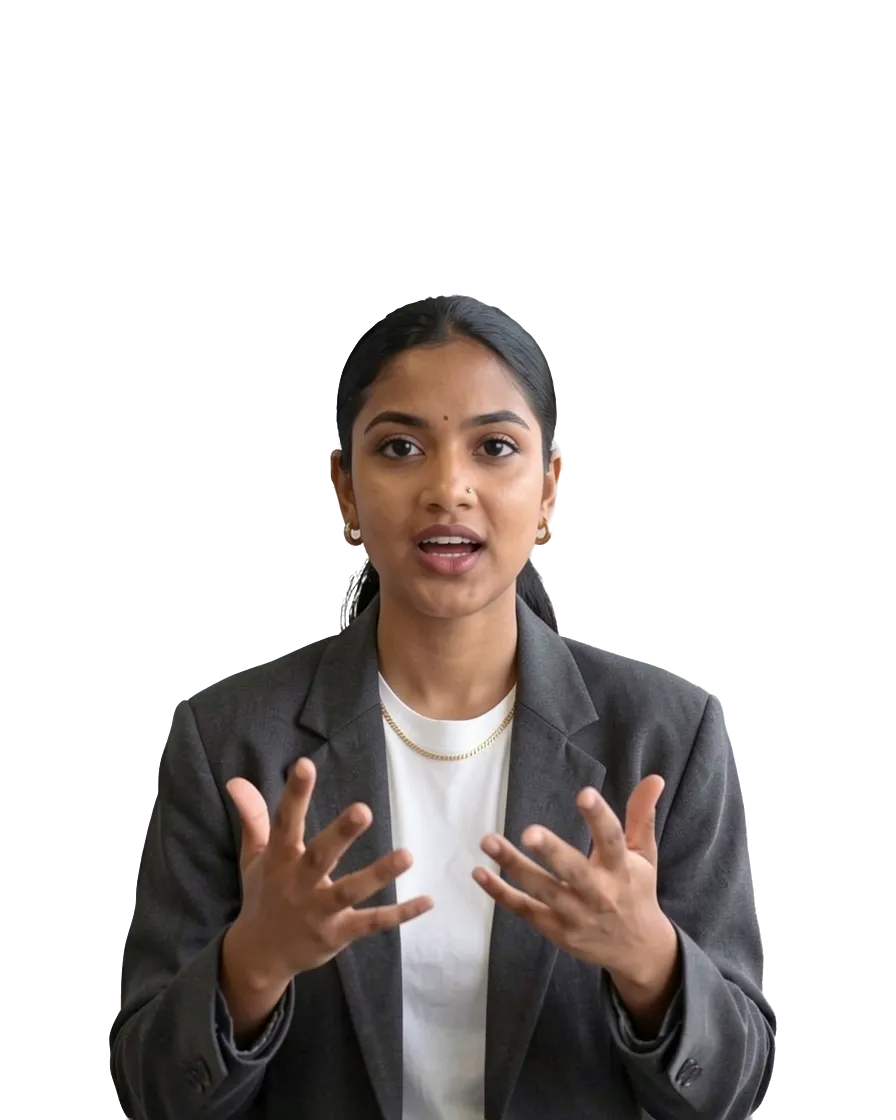
Why I said no
The first thing to do
What this client changed
The mistake I see everywhere
How does Dailies work?
Record the call you were going to have anyway.
Open your call in Chrome and press record. Dailies captures the call, your microphone and your webcam.
It finds the moments worth posting.
Dailies reads the whole call and keeps up to eight passages that stand on their own. Silences, filler and false starts are cut out.
Reframed for a phone, on whoever is speaking.
Each short fills the vertical frame with your webcam, or with your guest when they speak. One switch blurs your guests.
Captioned in fifteen flavors.
Pick a look once and every short follows: font, colours, motion, even the backdrop behind you.
One call, up to eight shorts.
Watch them a few minutes after you hang up, download the ones you like in Full HD, and post them on LinkedIn, TikTok, Reels or Shorts.
What about the confidentiality of your calls?
What I say on a call belongs to my clients: can I make shorts from it?
What your client paid for is an answer to their own situation, and that is not what Dailies looks for. It rates every passage on what it reveals that is private or confidential, turns down those that reveal something and keeps the ones that make sense outside the call: a piece of advice, a method, an opinion. That is a model’s judgement, not a guarantee. So nothing is posted for you: you watch every short, and when one does not suit you, you say why and Dailies leaves that subject out of your next calls. Your contract with your client remains the rule.
Nobody must know I work with this client: what do the shorts show?
One switch blurs your guests and disguises their voice in all your shorts; on a new account, it is on from the start. A short mostly shows you, explaining. That leaves what is said: if a passage names your client or describes their company, the blur changes nothing. That is why Dailies turns down the passages that reveal something private, and why you have the last word: a short Dailies proposes is not a short that is posted.
Do my calls stay stored on a server?
Your calls do reach a server, since Dailies has to receive them to cut your shorts from them, but the original files do not stay there: the sound and picture of a processed call are deleted 10 days after processing, 15 days at the latest. What stays is what your shorts are made of, that is, the only pieces of video they use, and the call’s transcript, until you delete the call, which you can do at any time. You choose which calls you record, and your recordings train no model.
Frequently asked questions
How do you build a personal brand on video without filming yourself?
By posting clips of your calls and not videos filmed alone. Dailies records the calls you hold in Chrome, spots the passages that stand on their own and makes up to eight captioned vertical shorts per call from them. You hold your call, and nothing else.
Which social networks should I post these shorts on?
On the ones where people look for you: LinkedIn, TikTok, Instagram Reels or YouTube Shorts. Each Dailies short is vertical, captioned, and downloads in Full HD. You post it yourself: Dailies posts nothing for you.
Are the shorts generated by AI, with an avatar?
No. Dailies shorts are real passages of your calls: your picture, your voice, your words. Dailies chooses the passages, cuts the silences and hesitations, reframes vertically and adds the captions. No avatar speaks in your place.
Do the people I talk to appear in the shorts?
A Dailies short shows whoever is speaking: you, when you answer. When your guest speaks, one switch blurs them and disguises their voice. Telling your guests that the call is recorded is up to you.
Which languages does Dailies handle?
Dailies handles calls in French and in English, on Google Meet, Microsoft Teams and Zoom, from Chrome. The shorts arrive captioned, in whichever of the fifteen styles you pick.
You no longer have to film yourself.
Add Dailies to Chrome, record your next call, and post the best of what you said on it. The fourteen takes can stay in the bin.
Add to Chrome